S3 - Optimize Copy Operations
Optimized copying of objects to different locations
- Run the following command to download a 5GB file from S3 bucket and upload the file to the same bucket but with a different prefix. Record the time to complete.
time (aws s3 cp s3://$bucket/upload1.test 5GB.file; aws s3 cp 5GB.file s3://$bucket/copy/5GB.file)

- Run the following command to use PUT Copy (copy-object) to move files. Record the time to complete. Don’t worry if it looks like the command hangs. It will take a few minutes.
time aws s3api copy-object --copy-source $bucket/upload1.test --bucket $bucket --key copy/5GB-2.file

- Run the following command to copy files between S3 with a single command between locations. Record the time to complete. Don’t worry if it looks like the command hangs. It will take a few minutes.
time aws s3 cp s3://$bucket/upload1.test s3://$bucket/copy/5GB-3.file

-
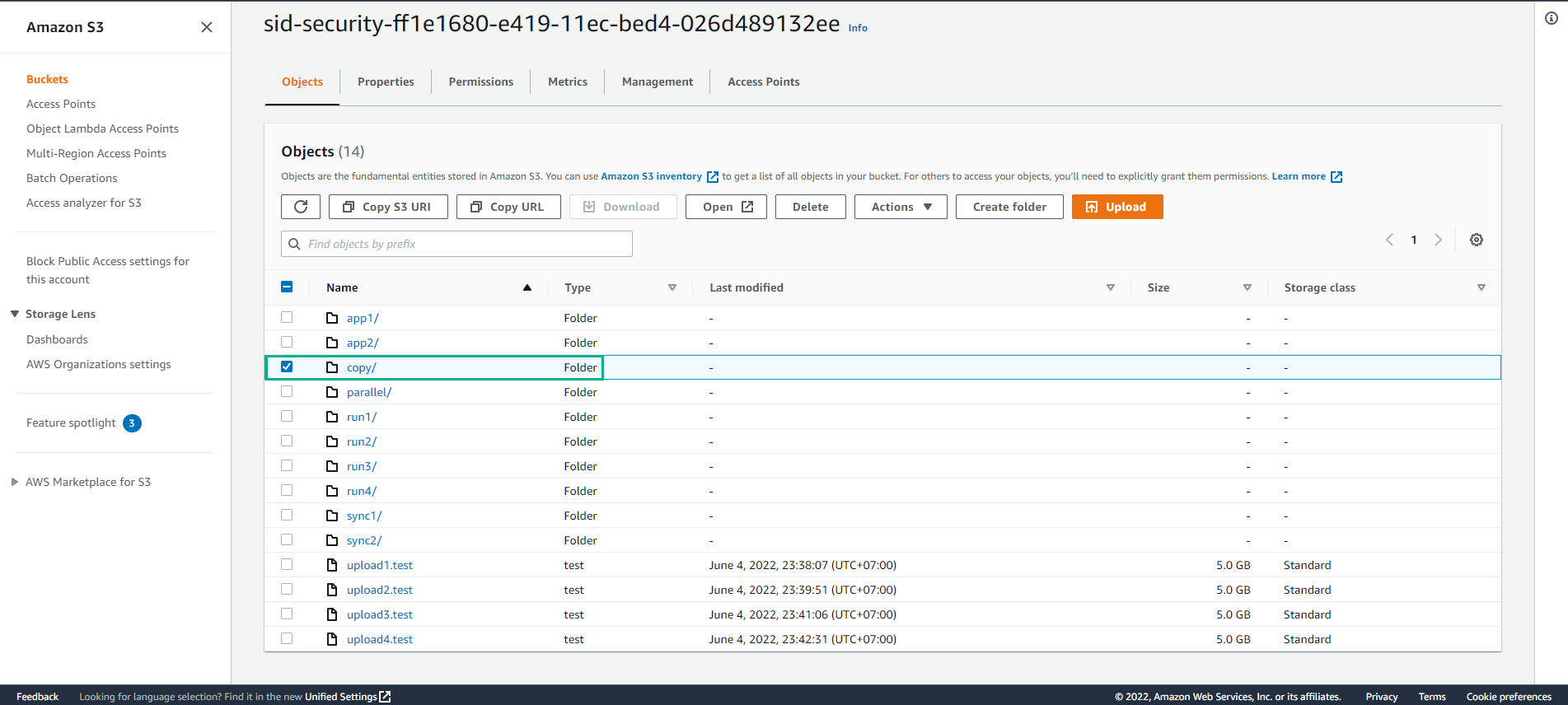
Access S3
- Select Buckets
- Select sid-security-xxx bucket
- Select folder copy/
- Data Observation
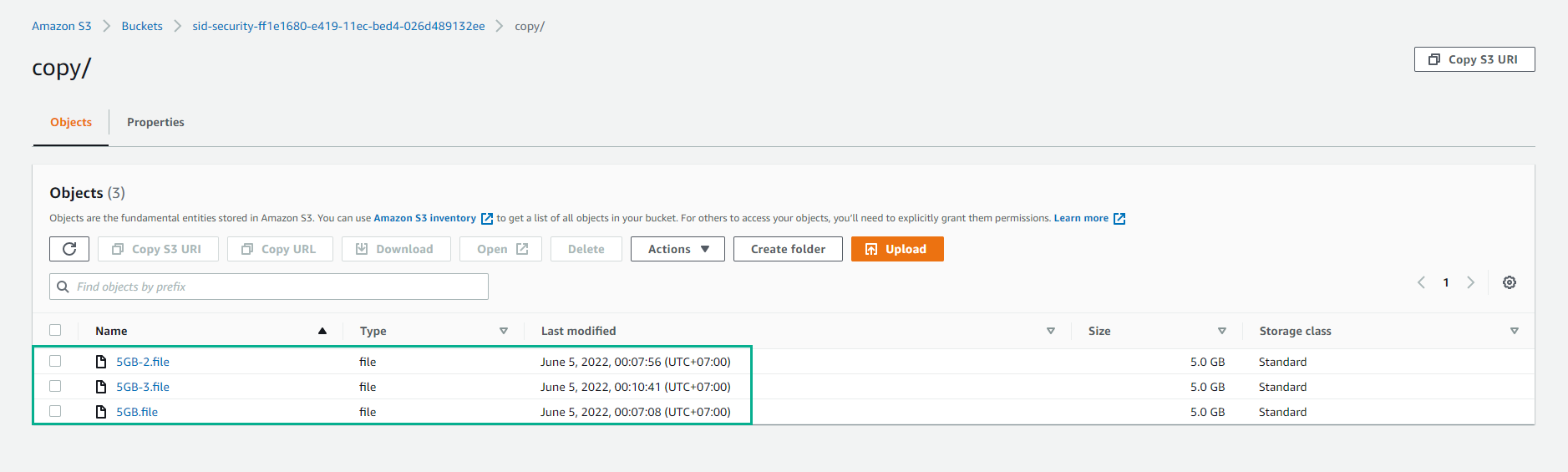
The first command is needed to GET the data from S3 back to the EC2 instance and then PUT the data back to S3 from the EC2 instance. The second command uses PUT COPY but is single-threaded. The third command also uses PUT COPY but also uses Transfer Manager, which is multithreaded depending on the AWS CLI configuration. Both the second and third instructions perform replication between S3 locations inside S3. This results in only API calls being made from the EC2 server and the data transfer bandwidth being made only inside S3.