Sync command
Synchronization command
The s3 sync command synchronizes the contents of a bucket and a directory or the contents of two buckets. Usually, s3 sync copies missing or outdated files or **objects between source and destination. However, you can also provide the –delete option to remove files or object from the destination that is not present in the source.
This Lab will use the aws s3 sync command to move 2,000 files for a total of approximately 2 GB of data.
- Run the following command to do 1-thread synchronization. Record the completion time.
aws configure set default.s3.max_concurrent_requests 1
time aws s3 sync /ebs/tutorial/data-1m/ s3://${bucket}/sync1/
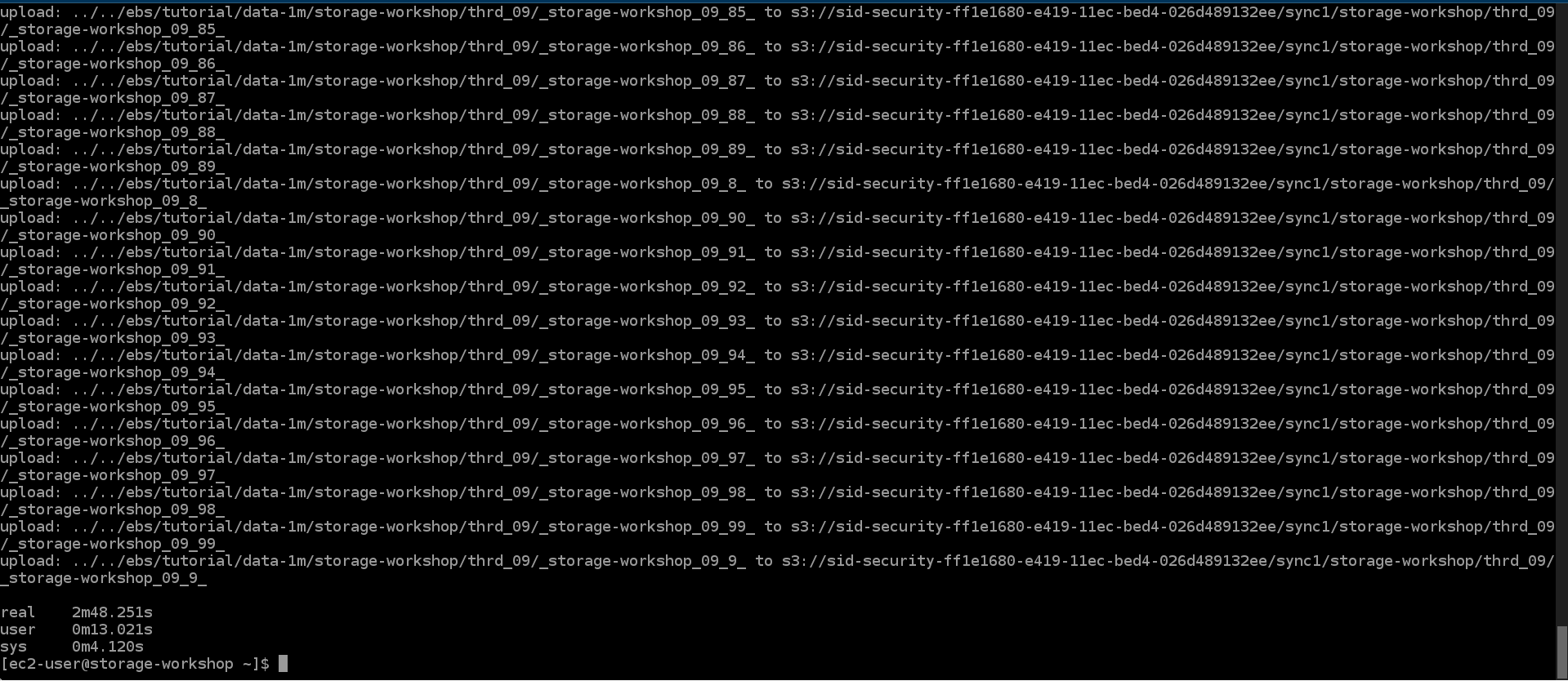
- Run the following command to perform synchronization using 10 threads. Record the completion time.
aws configure set default.s3.max_concurrent_requests 10
time aws s3 sync /ebs/tutorial/data-1m/ s3://${bucket}/sync2/
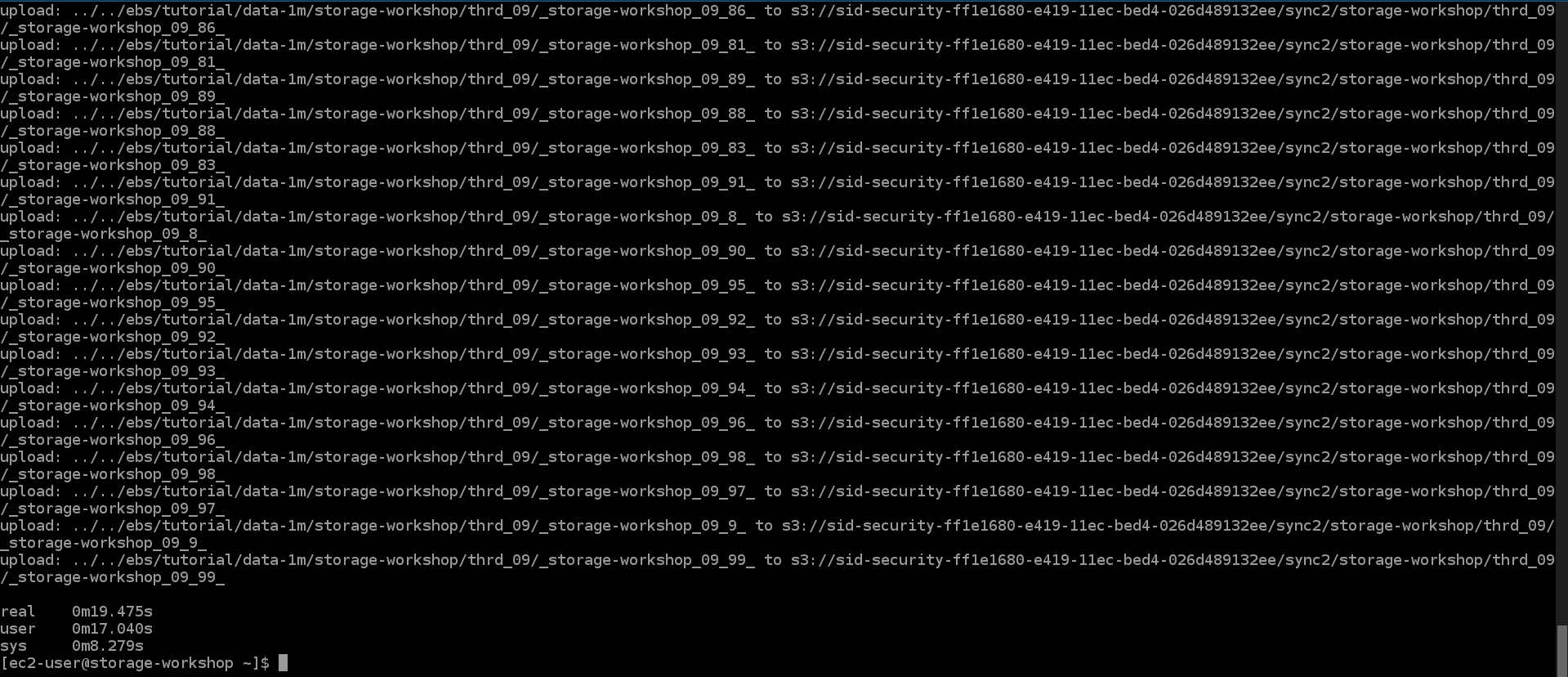
Notice the reduction in the time it takes to complete the s3 sync by 10 threads. As you can see, multiple threads reduce the time it takes to move files.
- Go to sid-security-xxx bucket and select sync1 and sync2
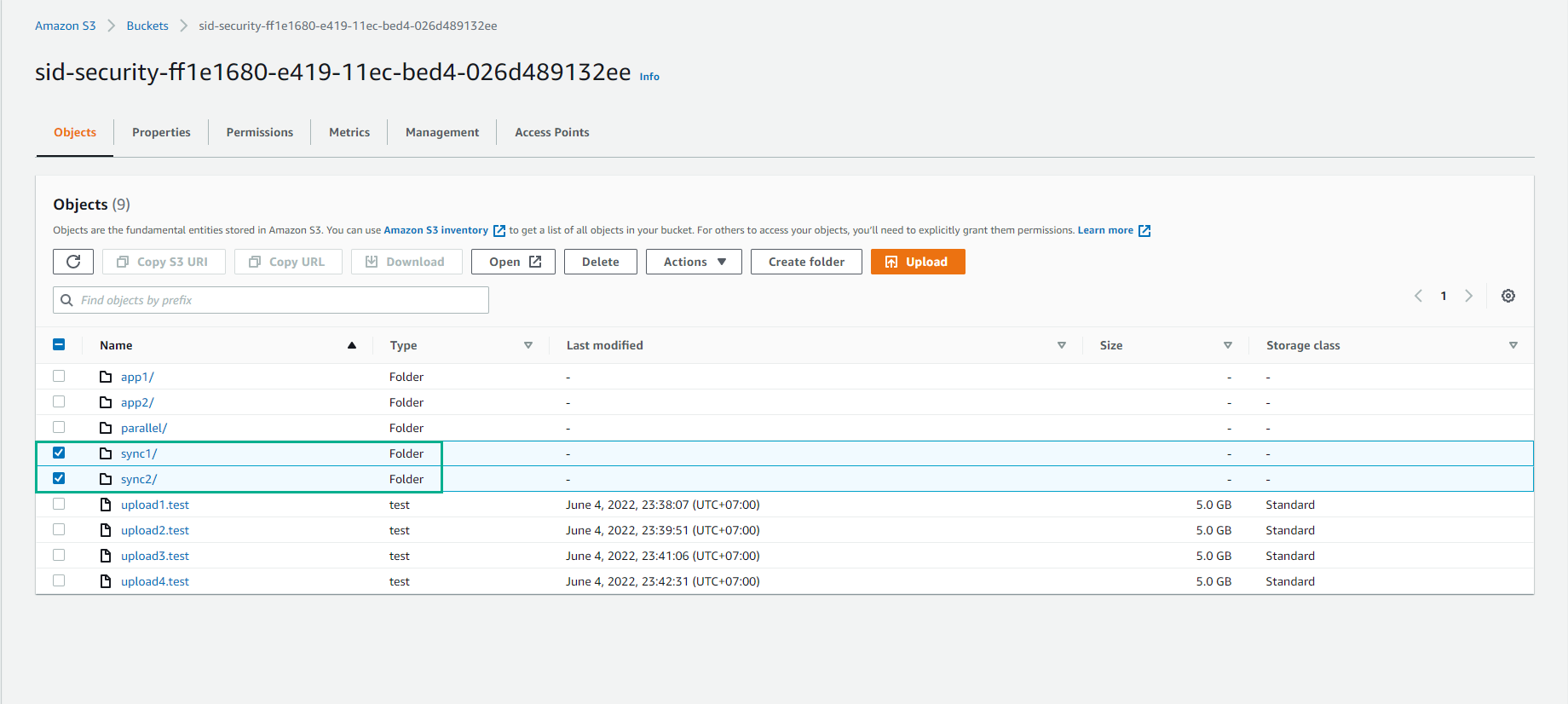
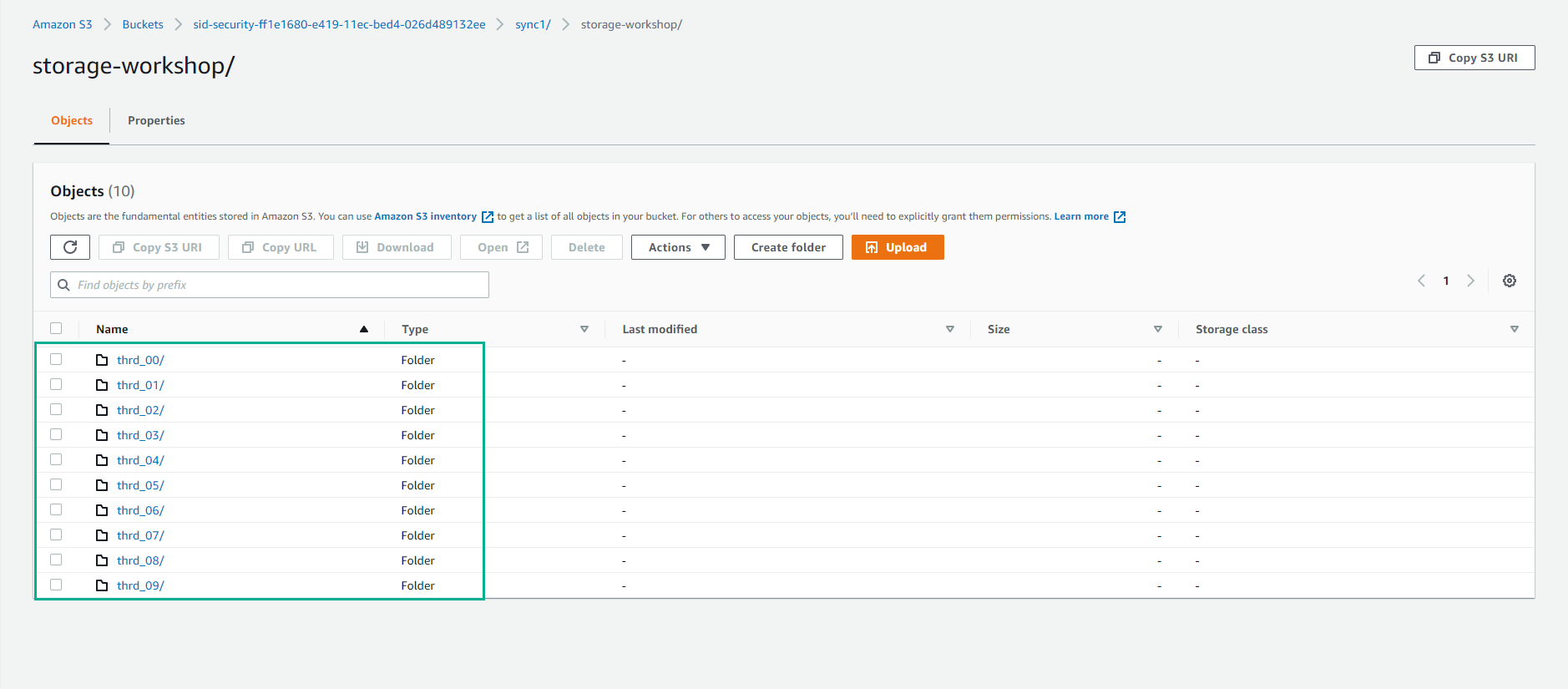
- View synchronized data.