S3 - Optimize Small File Operations
S3 - Optimize Small File Operations
Optimize small file operations using parallelism. This Lab will demonstrate how to increase transactions per second (TPS) while moving small objects.
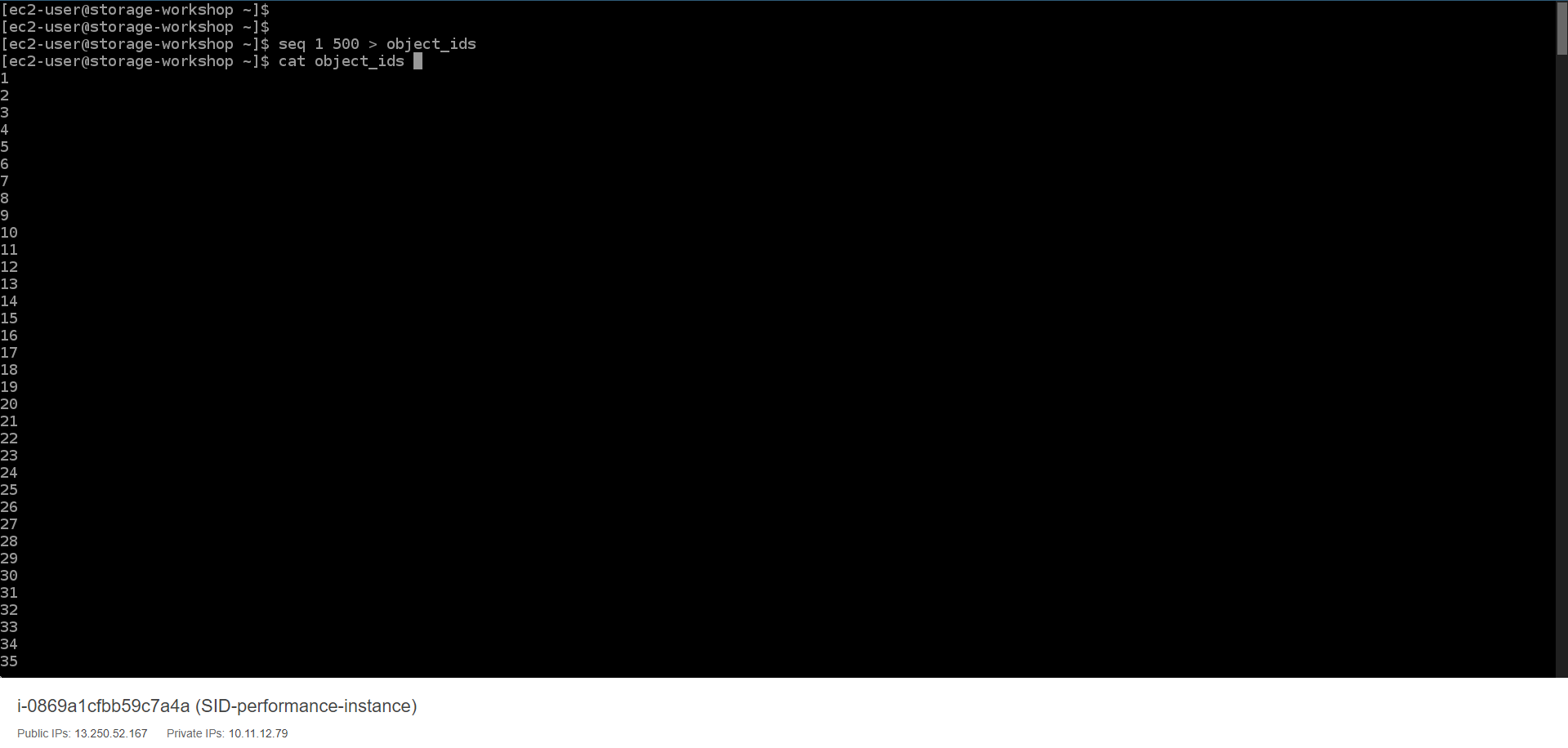
- Run the following command to create a text file representing the list of id object.
seq 1 500 > object_ids
cat object_ids
- Run the following command to create a 1KB file.
dd if=/dev/urandom of=1KB.file bs=1 count=0 seek=1K

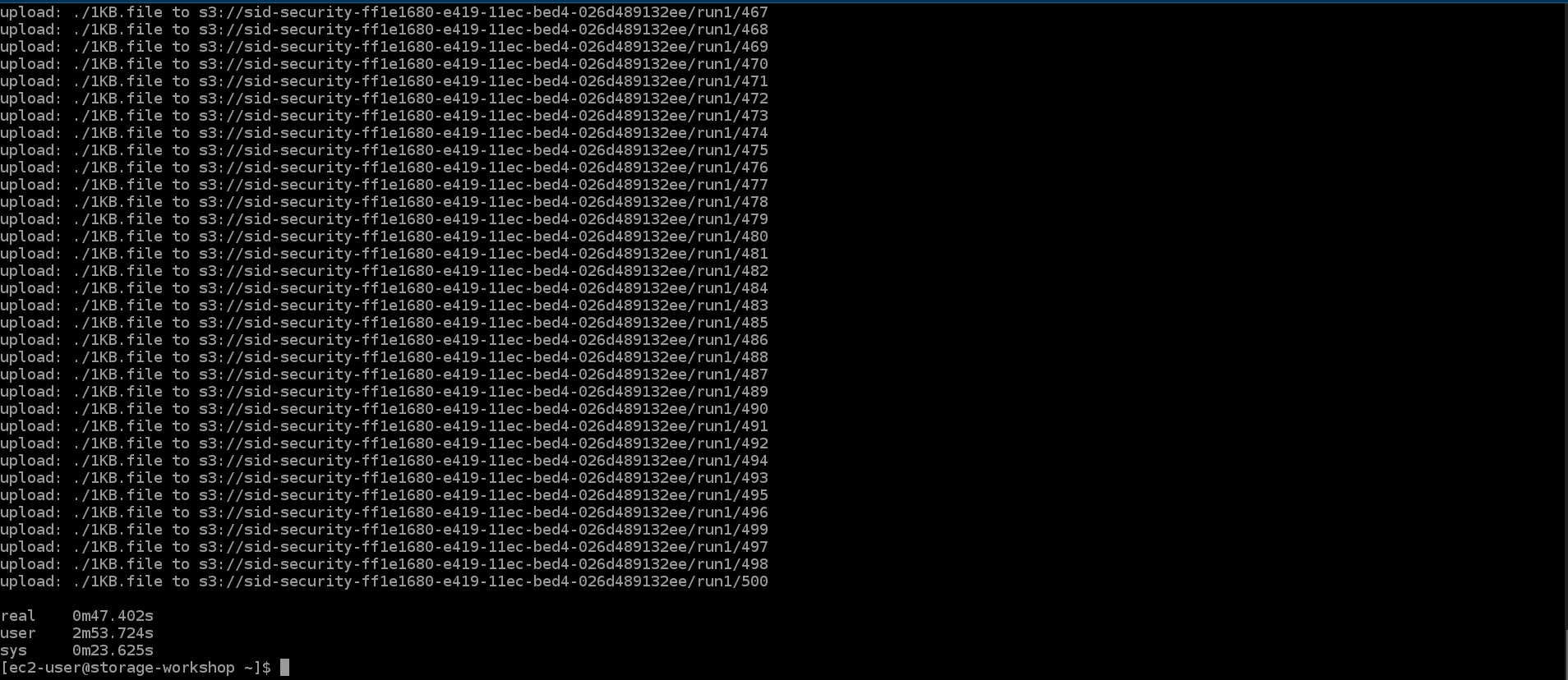
- Run the following command to upload 500 1KB files to S3 using 5 threads. Record the completion time.
time parallel --will-cite -a object_ids -j 5 aws s3 cp 1KB.file s3://${bucket}/run1/{}
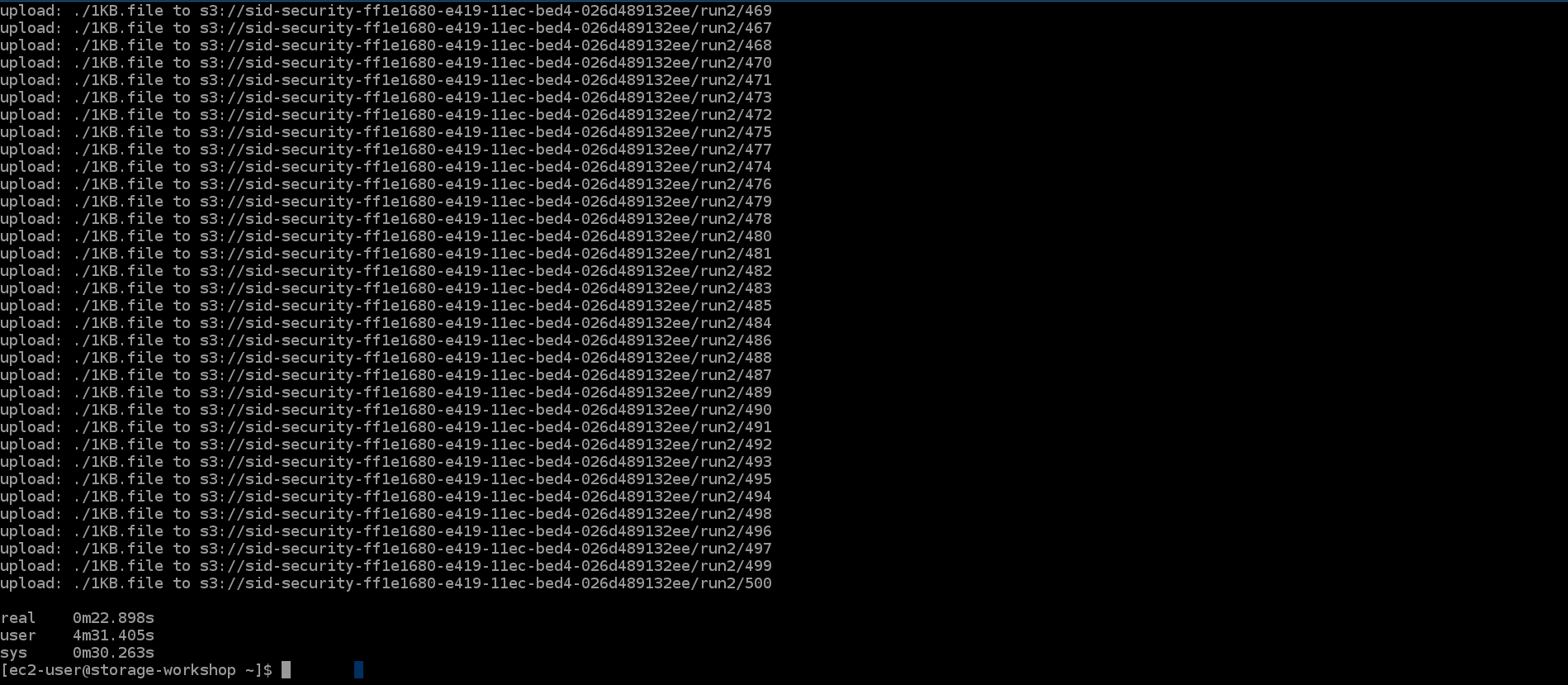
- Run the following command to upload 500 1KB files to S3 using 15 threads. Record the completion time.
time parallel --will-cite -a object_ids -j 15 aws s3 cp 1KB.file s3://${bucket}/run2/{}
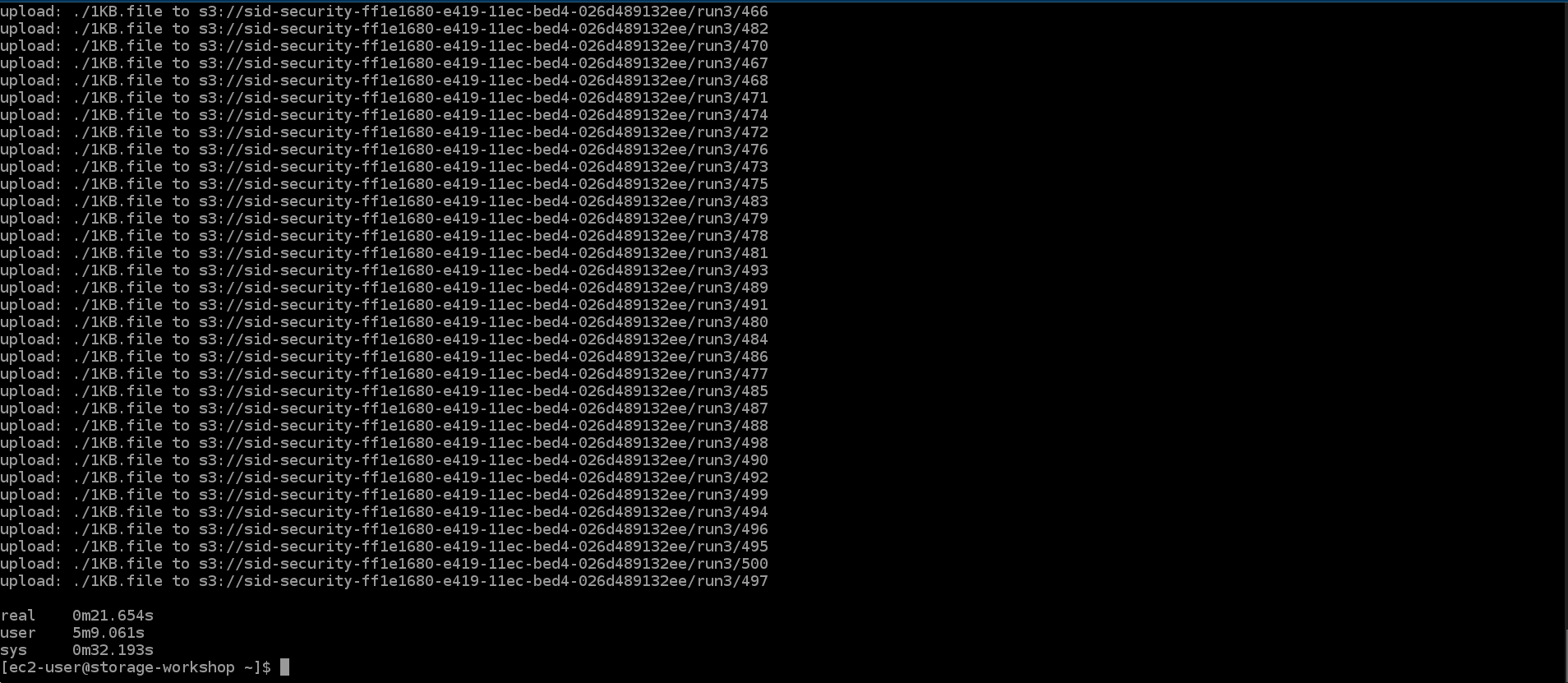
- Run the following command to upload 500 1KB files to S3 using 50 threads. Record the completion time.
time parallel --will-cite -a object_ids -j 50 aws s3 cp 1KB.file s3://${bucket}/run3/{}
- Run the following command to upload 500 1KB files to S3 using 100 threads.
time parallel --will-cite -a object_ids -j 100 aws s3 cp 1KB.file s3://${bucket}/run4/{}

- Access S3 to view data details
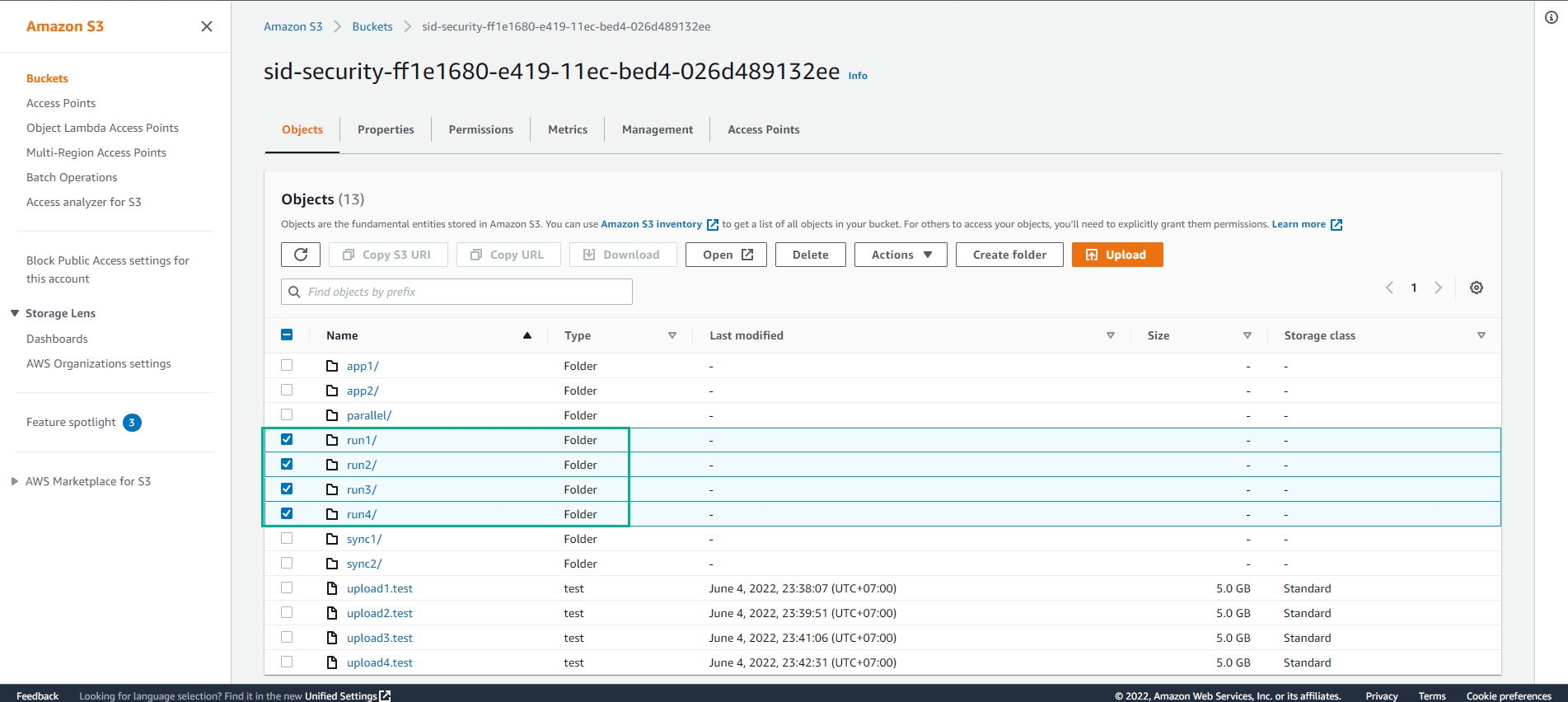
Going from 50 to 100 threads may not lead to better performance. For ease of demonstration, we are using multiple AWS CLI instances to demonstrate a concept. In the real world, developers will create thread buckets much more efficiently than our demonstration approach. It would be reasonable to assume that the added threads will continue to add more performance until another bottleneck such as running out of CPU occurs.