Launch CloudFormation Template
Launch CloudFormation Template
-
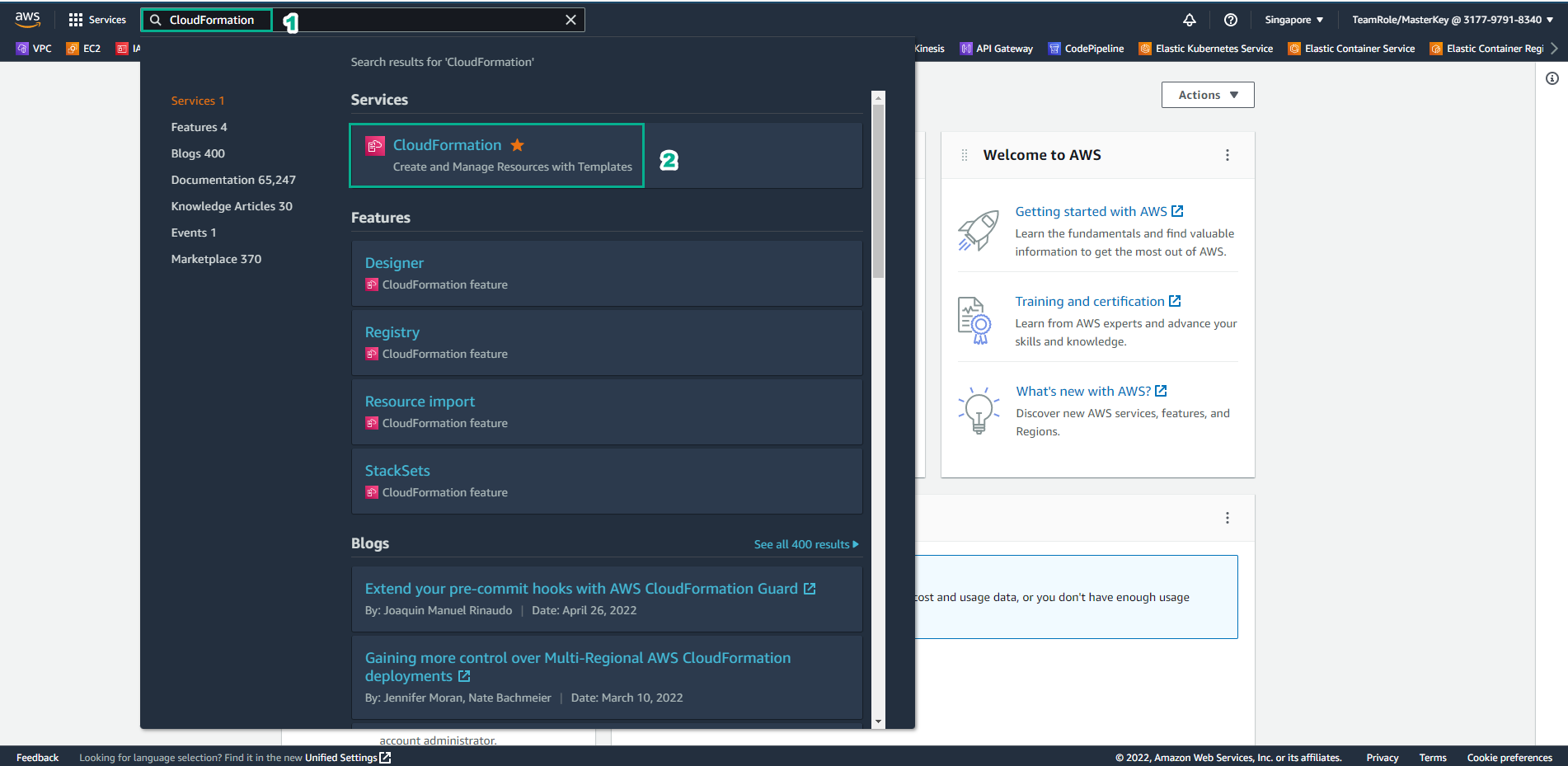
Go to the AWS Management Console
- Find CloudFormation
- Select CloudFormation
-
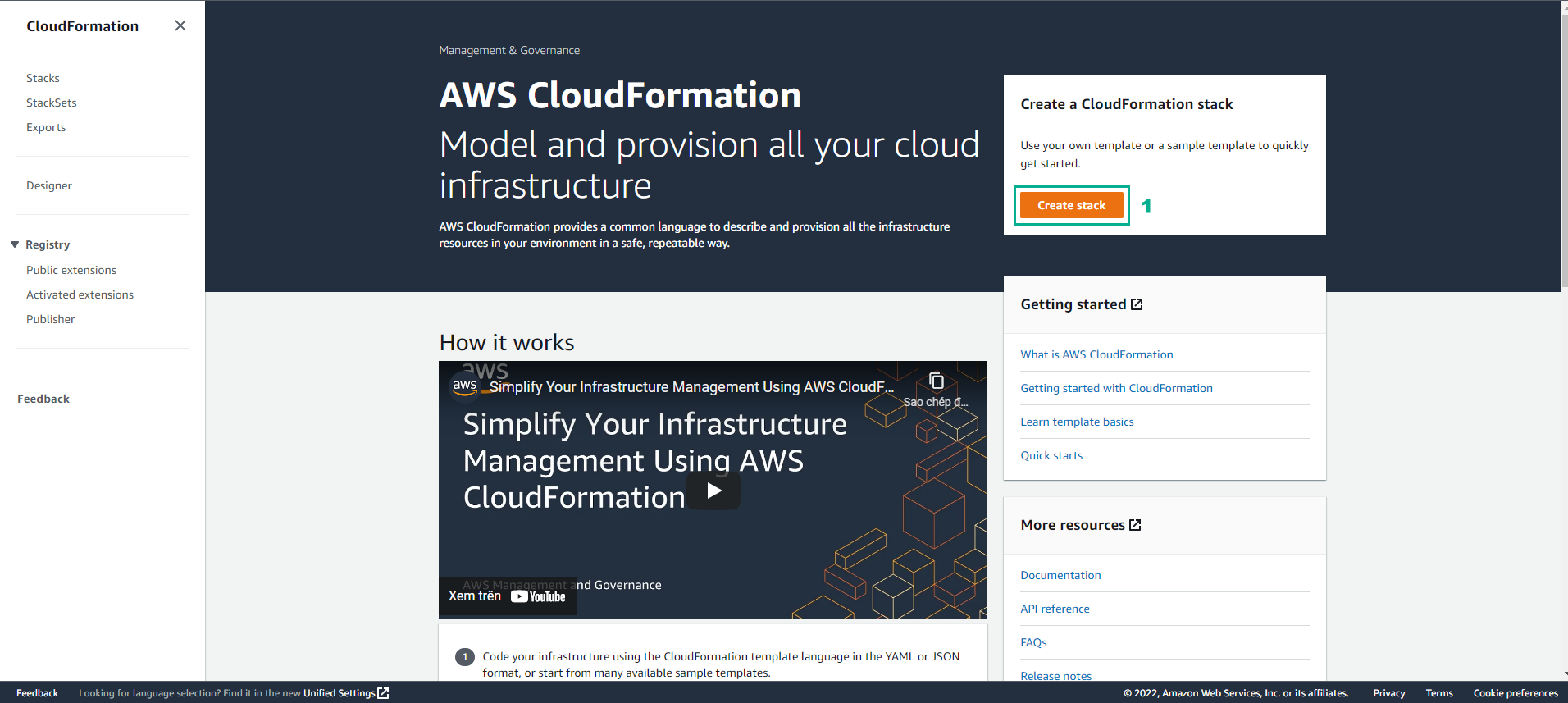
In the CloudFormation interface:
- Select Create stack
-
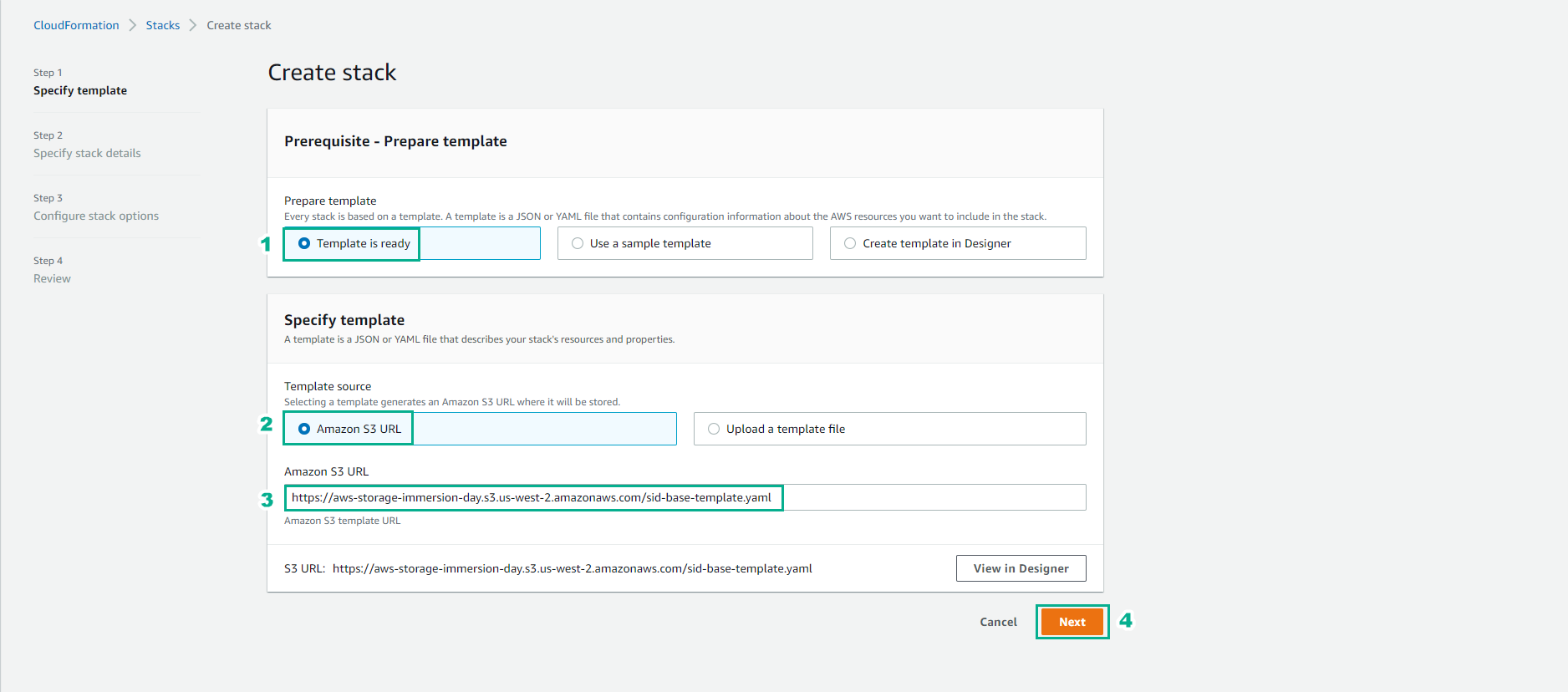
In the Create stack interface:
- Select Template is ready
- Select Amazon S3 URL
- Enter URL: Amazon S3 URL
- Select Next
-
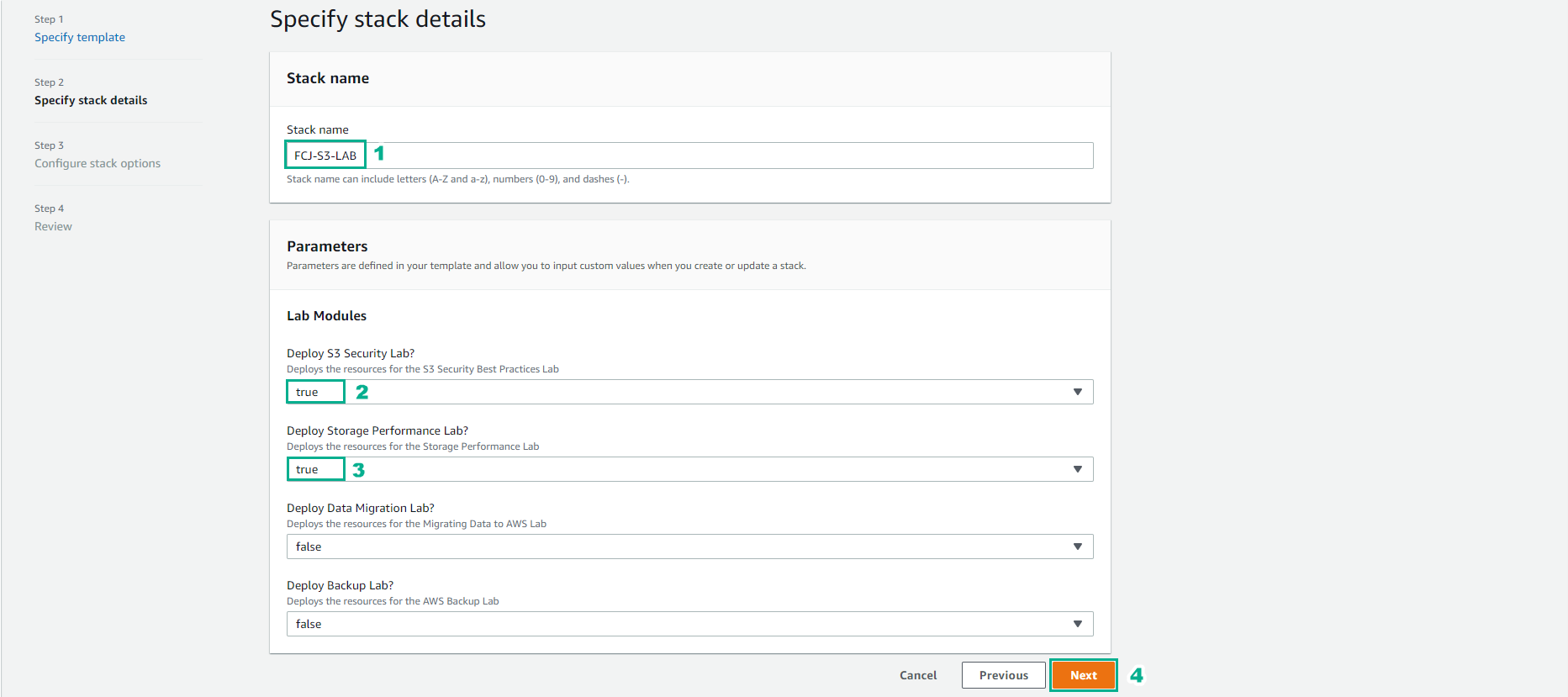
In the Stack name interface:
- Enter FCJ-S3-LAB for Stack name
- Under Lab Modules, select Deploy S3 Security Lab and Deploy Storage Performance Lab as true
- Select Next
-
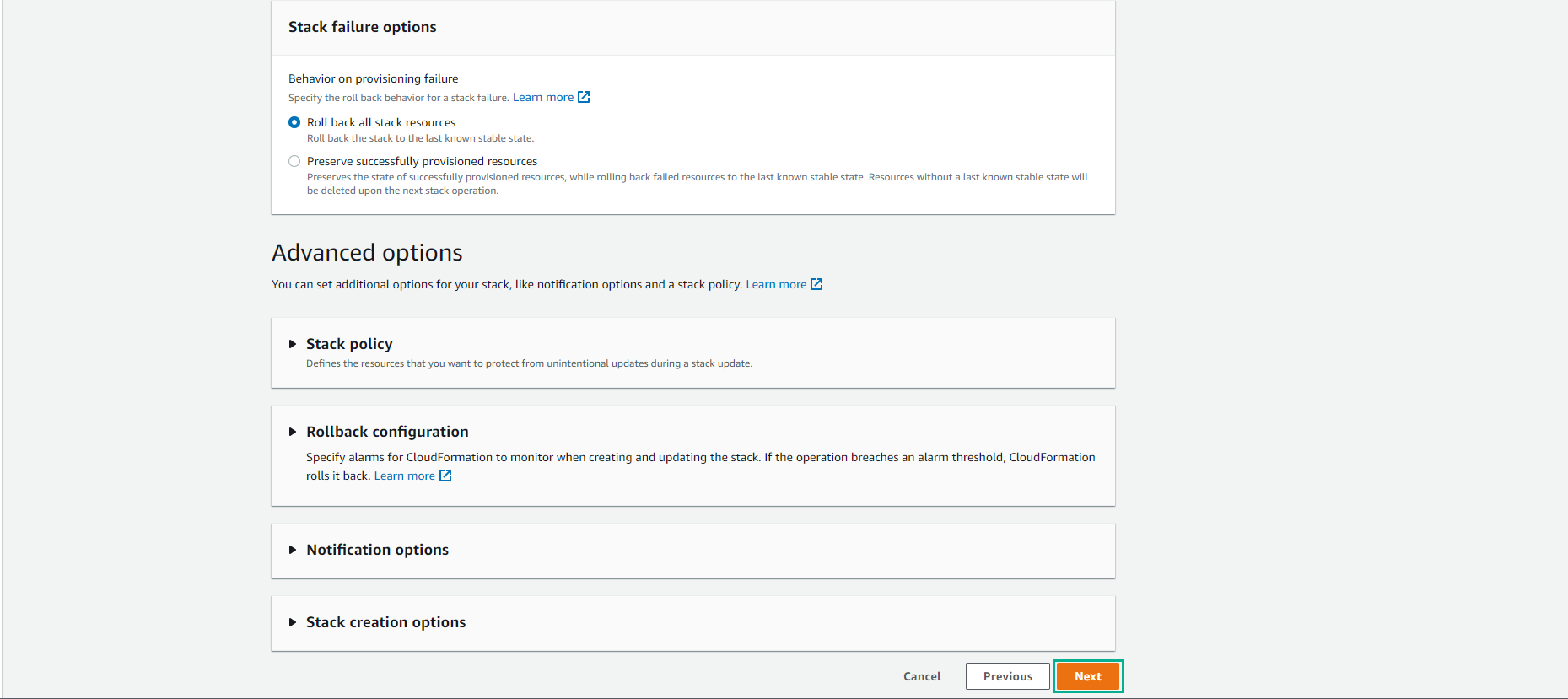
Select Next
-
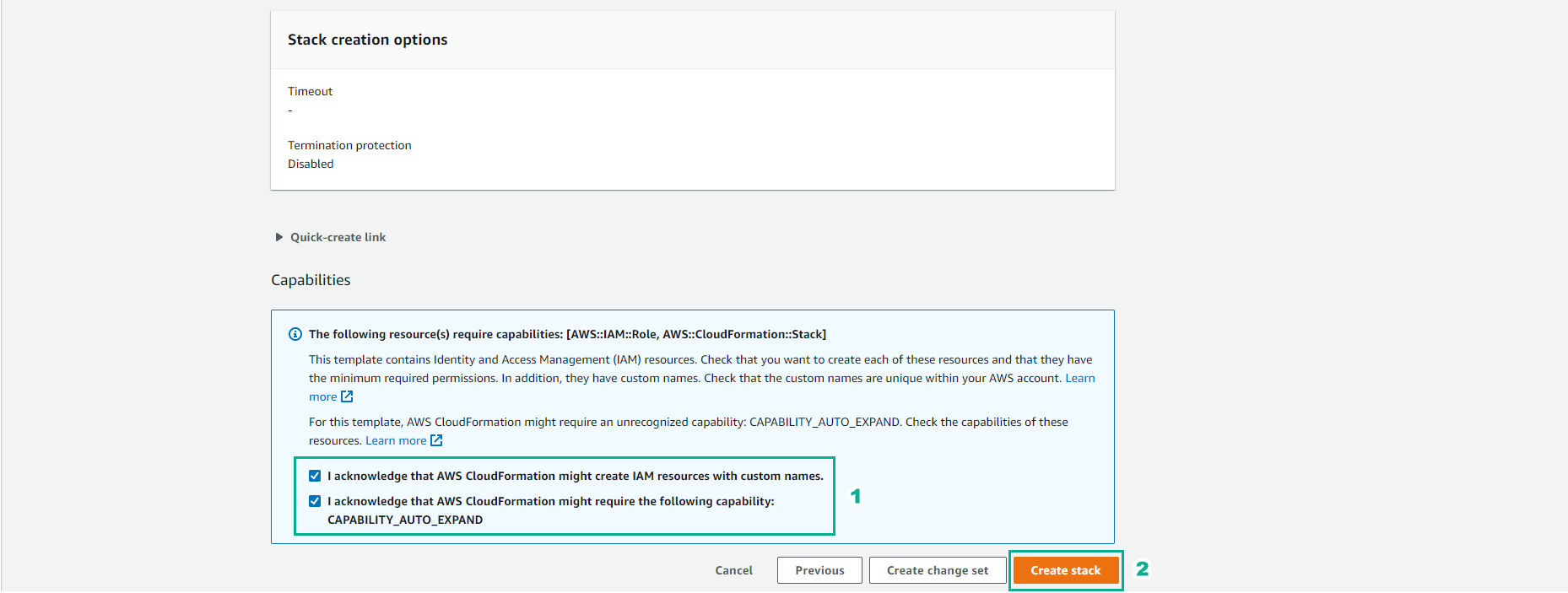
Confirm Capabilities:
- Select Create stack
-
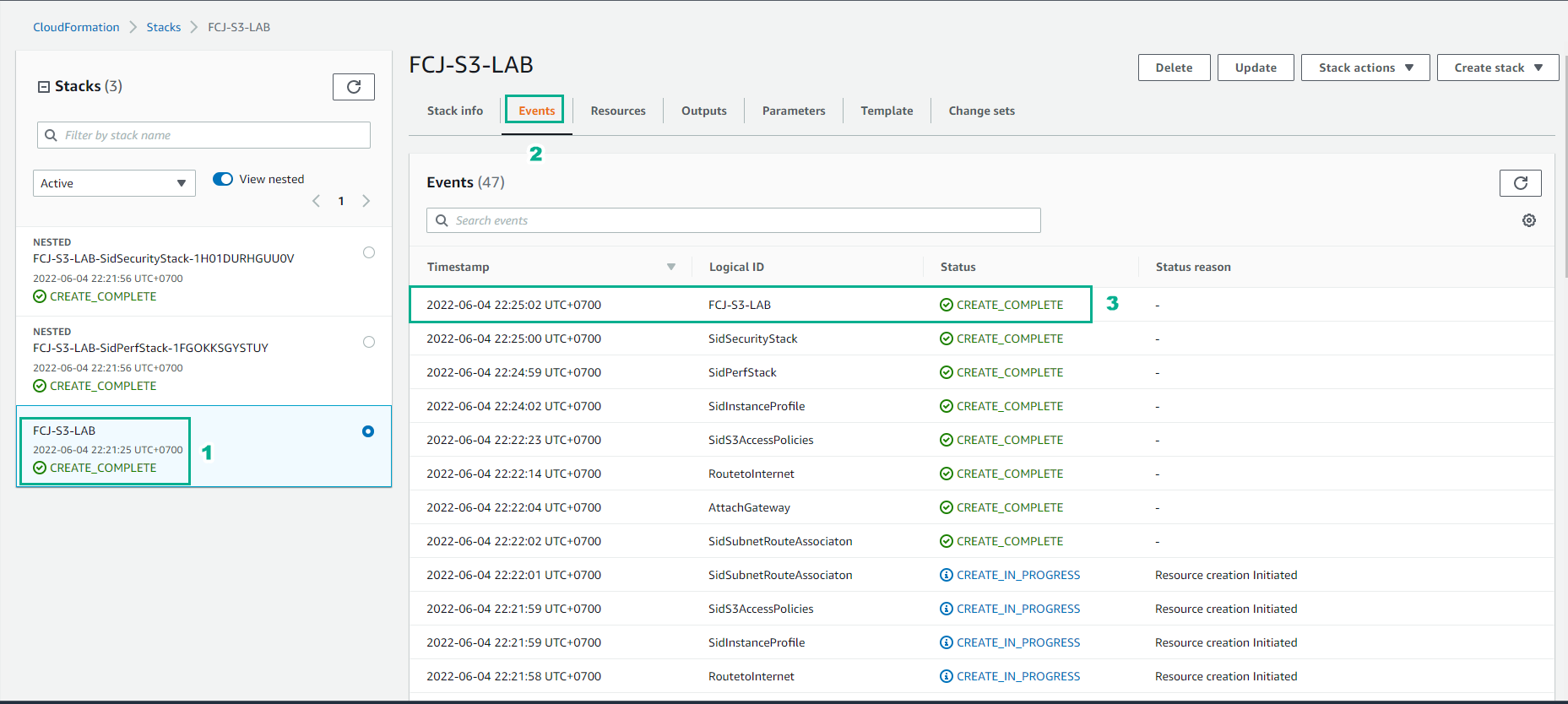
Wait about 10 minutes for the Stack to be created successfully.
-
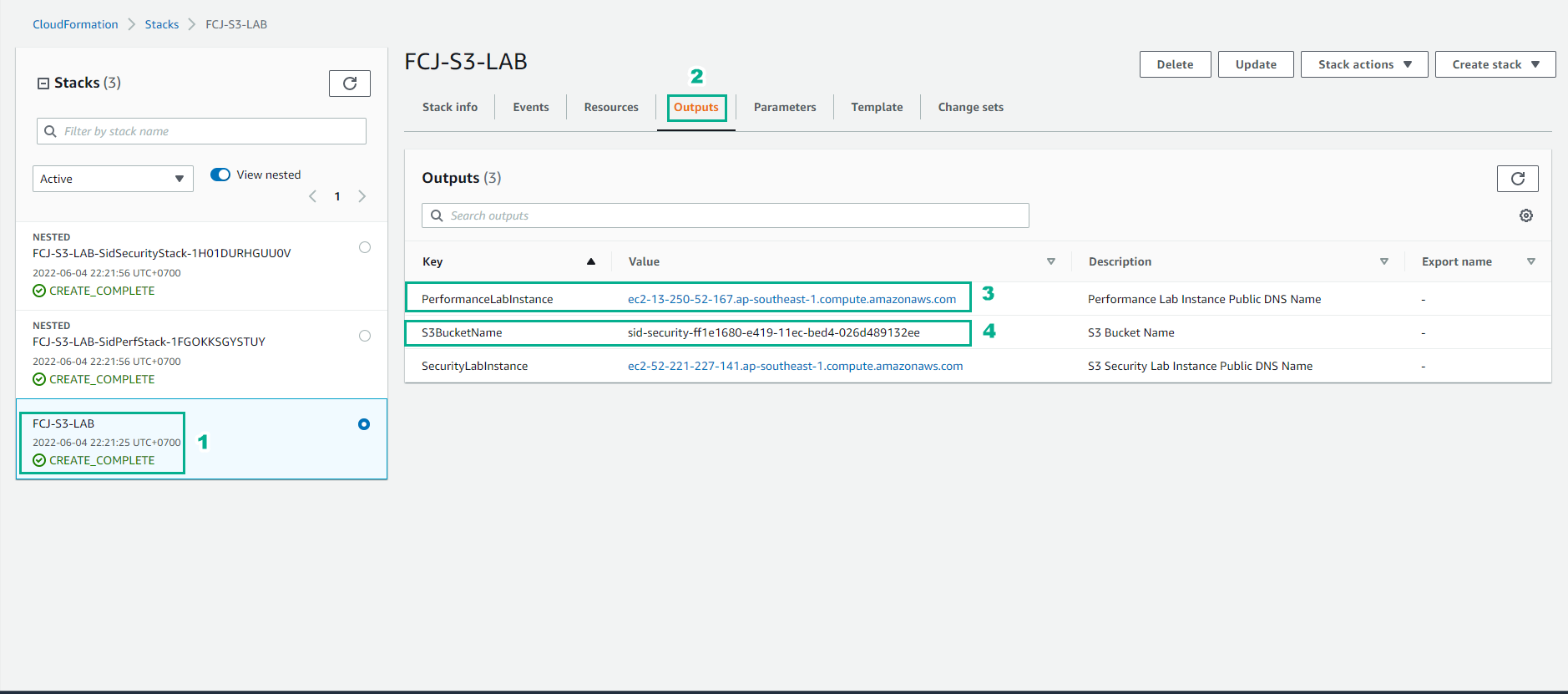
View the Outputs which will include PerformanceLabInstance for use in this lab.